
Secure, deploy and manage with Knox Suite
Efficiently secure, deploy, and manage your devices for the entire enterprise mobility journey.
Versatile
A device for every user and a customized work profile.
Samsung's Enterprise Edition portfolio, combined with Samsung Knox, offers a solution for every work environment. Choose from the powerful Galaxy S Series, the extra-rugged Galaxy XCover devices, the versatile Galaxy Tab Active Pro tablets, and the all-arounders from the Galaxy A Series. Every device comes with long-term support, a three-year standard manufacturer's warranty, and up to eight years of security updates.
More information
 Galaxy Tab Active Pro
Builder Bram
At the start of his workday, Bram presents the construction drawings to his colleagues in the site office. Using the specially developed company app, he checks which materials they need. On the construction site, he encounters everything you'd expect: grit, dust, wood splinters, and occasionally harsh weather conditions. Once he gets to work, he receives a notification from the company app requesting approval for a change to the construction drawing. Using the S Pen, he signs off on the new request.
 Galaxy Xcover Pro
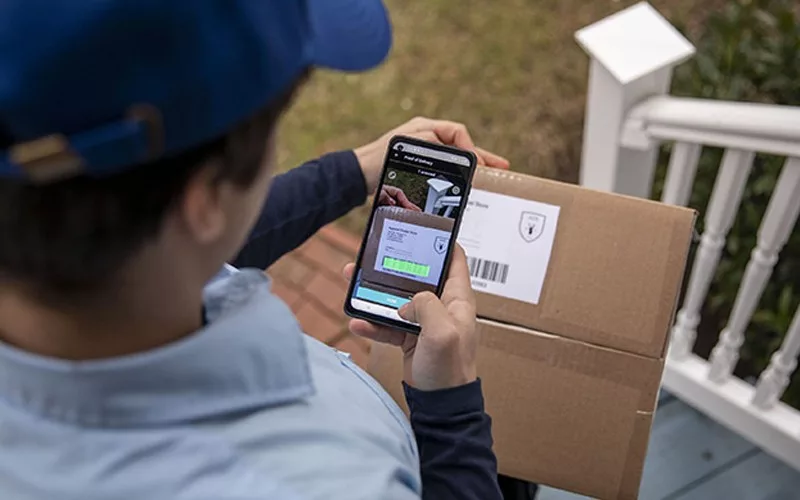
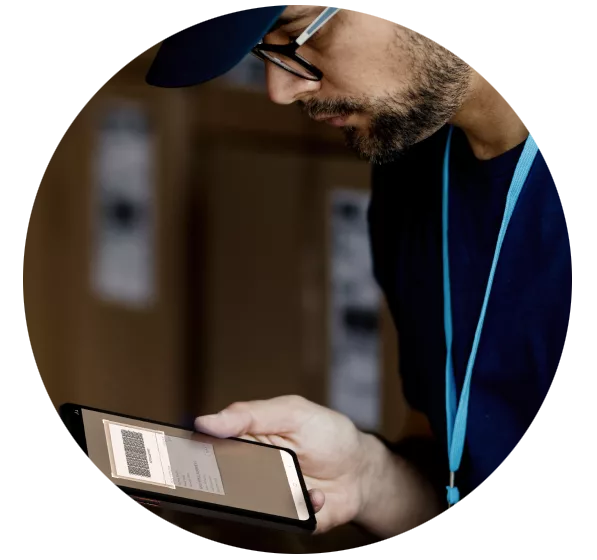
Courier Theo
Theo's smartphone is his most important tool during his workday. Every morning, he takes his phone out of the docking station in the Planning department, logs in, and receives all the information about his upcoming trip. Before he leaves, he scans the barcodes of the inventory he's carrying. This way, he knows exactly what he has in his vehicle. Theo clicks his device into the holder, starts the route, and is ready to go. His trip is automatically recorded by a company app on his phone and shared in real time with the Planning department.
 Galaxy S Series
Sales Manager Olivia
Olivia wants to—and needs to—be reachable all day long: as a Sales Manager, this is a requirement. She uses her personal smartphone intensively throughout the day. Olivia's morning starts with her first Teams meeting. During this hour-long call, Olivia immediately takes notes on the points discussed so she can incorporate them into a PowerPoint presentation after the call. The Galaxy S Series easily connects to Samsung DeX with an external monitor, an external keyboard, and a wireless mouse. This allows Olivia to quickly pick up where she left off on her device.
Activate
Getting started with Samsung Knox services.
This step-by-step guide will help you easily activate the 1-year Knox Suite Enterprise license included with your Enterprise Edition device. The steps we'll follow depend on whether you already have a Knox Admin Portal account on Samsung Knox | Find the Right Solution for Your Business and require that your supplier has already uploaded the serial/IMEI number of your Enterprise Edition device to the Knox Reseller Admin Portal.
More information
Secure
Market-proven security to forward your business.
Because one vulnerability is all that is needed to take control of the device, Samsung Knox secures your device in every layer and at all times - with both built-in and managed security.
Learn more

Remote device health attestation
Check device integrity across your fleet and detect rooting, device ID tampering, and more. All done remotely with ease.

Government-grade data protection
Advanced encryption technologies such as DualDAR, SDP, and one-click Common-Criteria Mode provide extra security against threats.

Advanced network security
Data in transit is protected by advanced network security features with Knox VPN, on-device firewall, and Secure Browser.
Deploy
Setup devices for work instantly, across any environment.
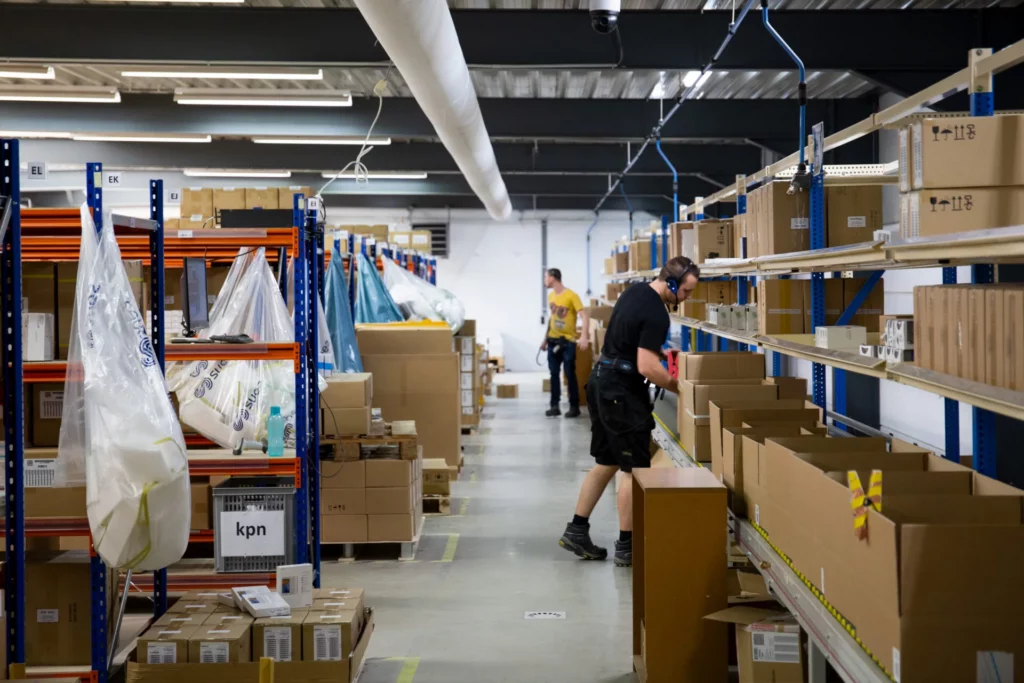
Deployment and configuration made easy. Enroll thousands of work devices to your enterprise management quickly and easily, ensuring your fleet is ready for work from boot-up.
Learn more

Streamlined out-of-the-box setup
Save time and reduce user interaction with less steps and automated Wi-Fi setup. Supports both bulk purchases and smaller, on-the-spot batches.

Flexible and secure enrollment options
Wide range of options for IT admins including: automatic certification install, support for locally-hosted EMM, Wi-Fi firewall configuration, and more.

Efficient device staging in all environments
Supports cloud/local/hybrid environment — enroll devices even with limited connectivity. Stage devices centrally while leveraging local network capacity.
Manage
Comprehensive management over work devices and OS versions.
With features built to manage all stages of your device life cycle, ensure your devices for work are always under IT control. Anytime, anywhere, and in any industry.
Learn more
Powerful device management
Easy-to-use yet advanced management features - including location tracking, kiosk wizard, remote support tool, and event-based policies.

Advanced software update management
Select an OS version that works best with your corporate apps, and trigger updates on all devices without interrupting work flow.

In-depth asset analytics
Get detailed view across device usage patterns to maximize uptime and minimize total cost of ownership.

Flexible access to Knox features
Use either our built-in web console or your own EMM to enable Knox management features.
Knox Suite overview
All-in-one, built for enterprise mobility. Knox Suite includes Knox Platform for Enterprise, Knox Mobile Enrollment, Knox Manage, Knox E-FOTA, and Knox Asset Intelligence.
Download the overviewDo more with a single device.
Create the ideal business tool for your organization with frictionless, out-of-the-box setup.
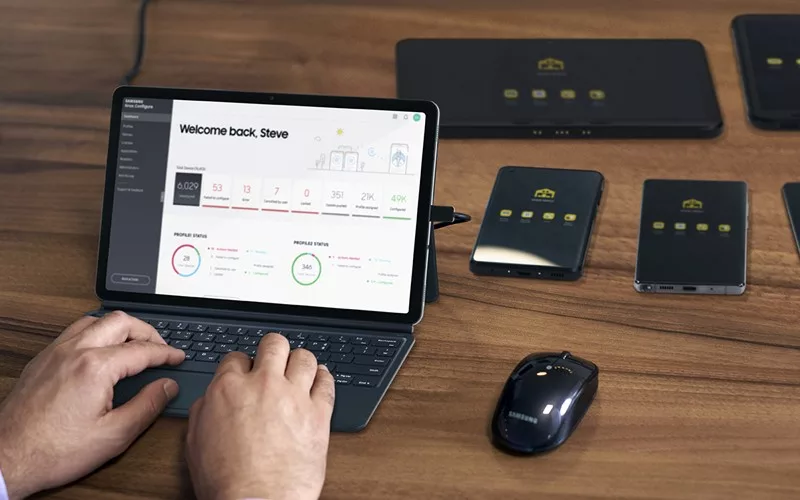
Knox Configure
Remotely configure Samsung devices in bulk and tailor them to specific needs, right out of the box
Learn more